BLOG |
Blink announcements
The Blink Donate Button now works with non-custodial accounts, here's why it was built, how it works, and who's using it to get paid directly by their audience.
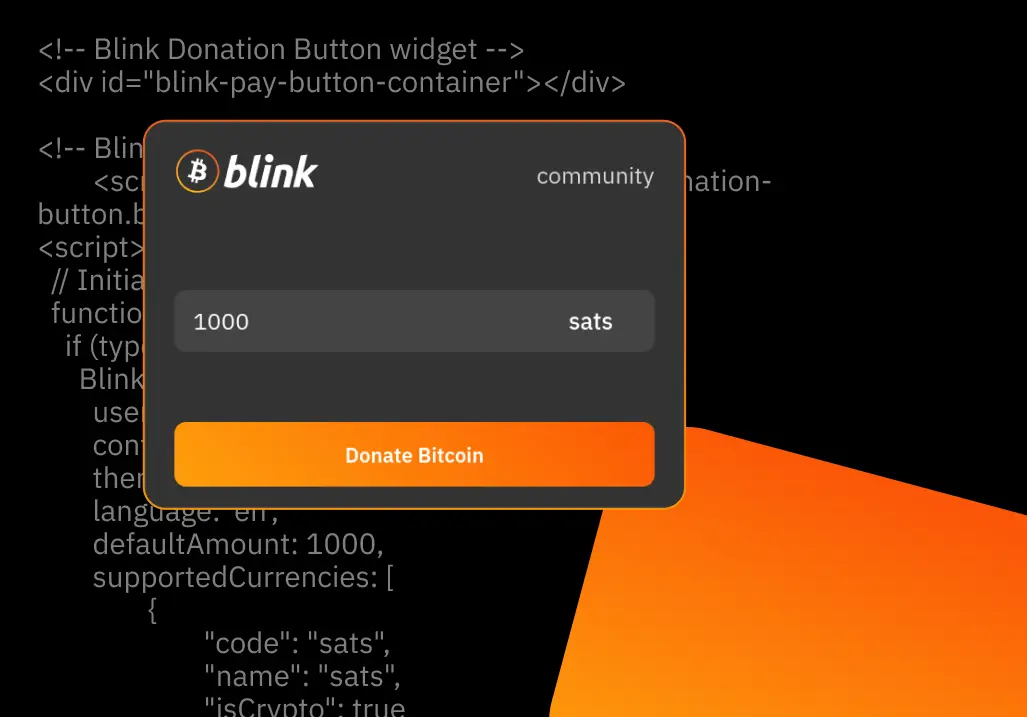


A donate button should be the easiest thing on the internet. A reader likes what you wrote, they send you something, you say thank you. That's the whole transaction. The Blink Donate Button is a snippet of code you paste into your website that does just that. Visitors click it, scan a QR code, and send you Bitcoin over Lightning. It takes about a minute to set up.
It started out custodial-only. Now it works with non-custodial Blink accounts too — same one-minute setup, same snippet, same experience for the donor. The only difference: the sats now arrive in a wallet where you hold the keys.
Blink launched non-custodial accounts in June 2026, built on the Spark protocol. Instead of Blink holding your Bitcoin for you, you get a twelve-word recovery phrase that only you have, and Blink can't touch the funds. Your Lightning address and the app experience stay the same; what changes is who holds the keys. (The launch announcement tells the full story.)
For a tip jar, that's the whole point. Donations belong to you the moment they arrive, with no intermediary who could freeze them, lose them, or be forced to hand them over — which, as you'll see below, is exactly why some creators use the button in the first place.
The need kept coming up while Kemal Yaşar, Director of Special Projects at Blink, was supporting developers on the Blink API: people wanted to accept Bitcoin donations on their websites. The tools that existed at the time were built for people comfortable running their own infrastructure: servers, Lightning nodes, API configurations. Good tools, but a steep price of admission.
"It was just way too much friction and too many hoops for most people who are just creatives, writers, who barely managed to get up a website." ~ Kemal Yaşar
The Blink API suggested a simpler answer. A donation is purely a receive operation, and Blink has public, unauthenticated API endpoints that let anyone generate an invoice on behalf of any Blink username. That is exactly what a donate button is. Nothing more. Generate an invoice for a user; show it to the donor; confirm when it's paid.
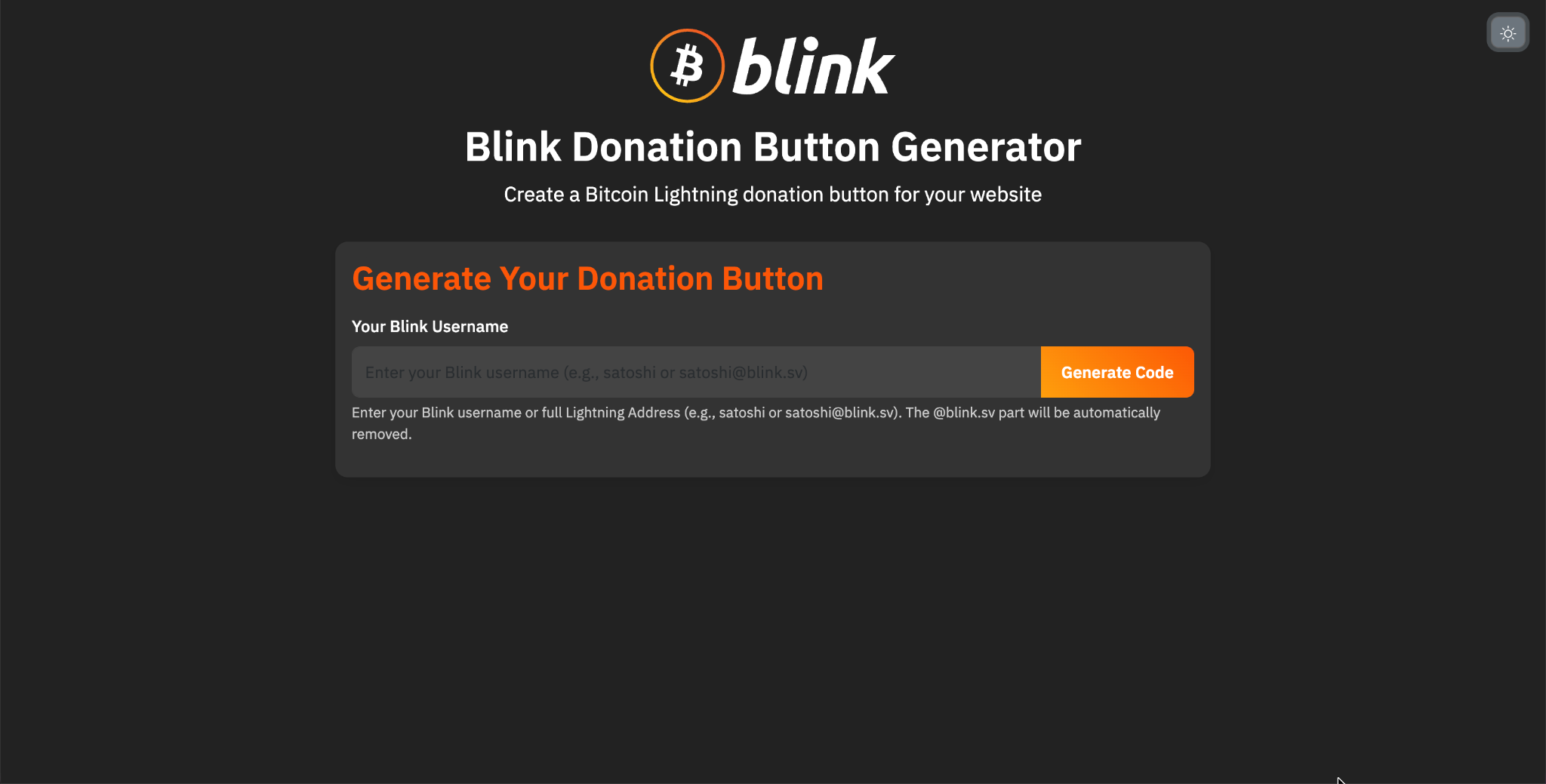
So the whole thing could be a code snippet generator. Username in, light or dark styling picked, display currencies selected (exchange rates come from the Blink API too), snippet out. No backend, no server to run, just a pure frontend application.
The internet is borderless, Payments are not: "If you're a writer in Germany writing in English, you have readers from Australia or South Africa or Chile," Kemal explains. "It's very hard to send anything else but Bitcoin to that author." The audience is borderless; traditional payments are not, and they carry high fees on top. Bitcoin closes that gap naturally.
Some creators have no other option: A meaningful share of Donate Button adopters came to it because they were in danger of losing their bank accounts over the views they publish, something happening a lot in Europe for alternative media. Kemal recalls one writer who is completely demonetized and debanked because of his opinions; the Donate Button is how his readers support him. For a debanked creator, a non-custodial donate button isn't an alternative way to get paid. It's the only one left. When the traditional system closes its doors, Lightning stays open.
Advertising is a broken contract: Kemal is blunt about the internet's default business model: "You sell people's attention to big corporations who have a message to implant into your brain." That contract existed because there was no alternative, no cheap and borderless micropayments. Lightning changes that. For the first time, a writer can be paid directly by their reader, arguably a cleaner model than writing for an audience while being paid by other interests, tuning your work to be brand-safe and optimized for impressions rather than for quality readers. When micropayments work, good content gets rewarded by the people who actually value it. The Donate Button is the value-for-value piece of that toolset: I gave you value, if you appreciated it, send some back.
Donors need privacy too: Lightning has excellent privacy, particularly for the payer. Sometimes it matters a great deal that you don't get into trouble for the causes you support. A donation shouldn't be a liability.
And on-chain doesn't fit this job: Historically, people put a static on-chain address on their website, some of the creators using the button today did exactly that first. Address reuse means every observer can see every donation you've ever received. On-chain payments are slow and expensive for small amounts; a 2,000-sat tip shouldn't compete for block space. And micropayments, the natural size of a "thanks for the article", simply don't work there. Lightning fixes all of it at once.
We use it ourselves! Every article on this blog carries its author's own Donate Button, so a reader who finds something useful can tip the person who wrote it.
And here are some other examples beyond us:
Nikki and James, creators in El Salvador who make YouTube videos explaining Bitcoin life on the ground, embedded it on their website.
Molo BTC, a beginner-friendly Bitcoin research workspace in South Africa, helping Africans understand and navigate Bitcoin. The Donate Button is currently their only donation channel on the site, running through a non-custodial Blink account. I helped them set it up, and it worked perfectly for what they needed.
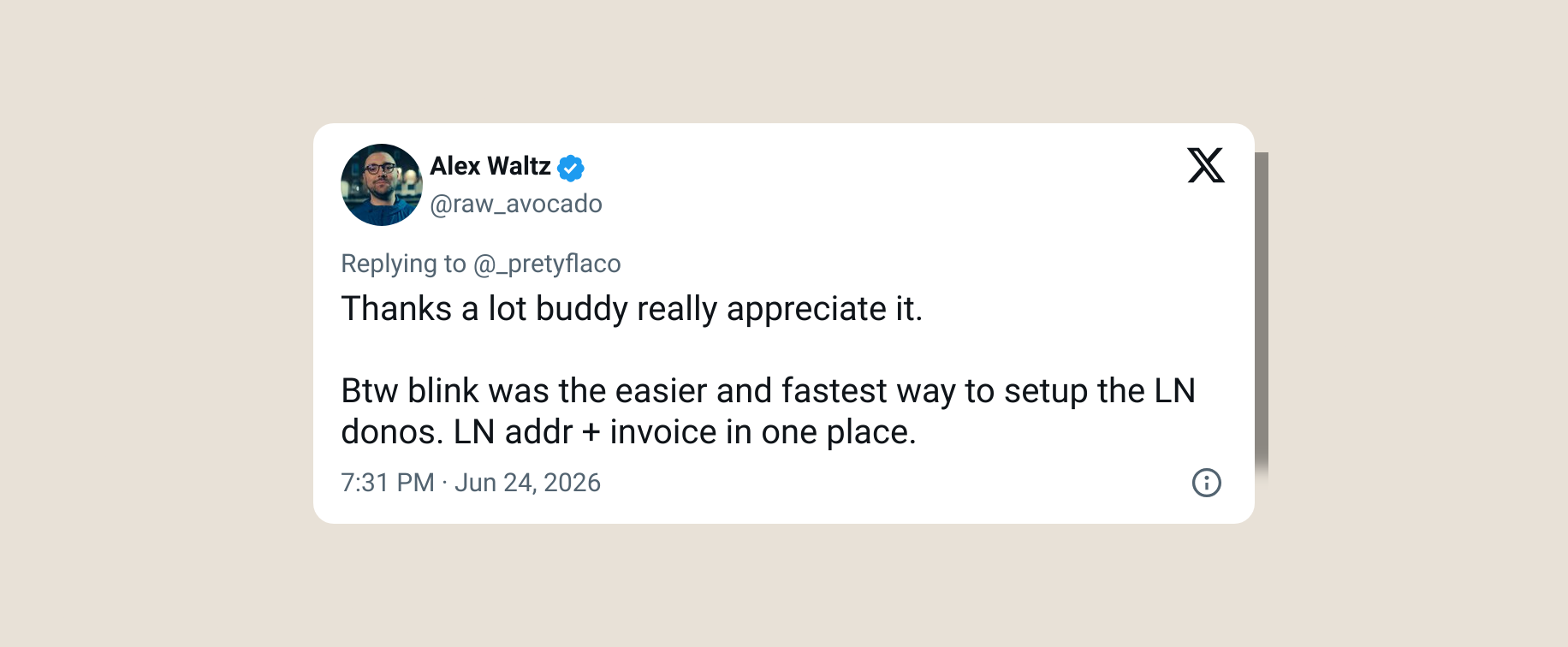
Alex Waltz features it among the donation options on 1stbitcoinminer.com, alongside his brilliant research and video investigation into the first miner on the Bitcoin network.
And it keeps surfacing on sites we never heard about in advance. (If you use the button, tell us. We'd love to feature your story.)
The button doesn't log into your Blink account. It never could, it's a small piece of HTML and JavaScript sitting on your page, and all it knows is your username. It finds your Lightning address and generates an invoice for the donor to pay, the same way any Lightning wallet would pay any Lightning address.
If your username belongs to a custodial Blink account, the payment is handled server-side by Blink and lands in your default account: Dollar Balance if you want donations to hold their USD value from the moment they arrive, Bitcoin Balance if you want to stack sats.
If your username belongs to a non-custodial (Spark) account, the payment goes to your Lightning address over LNURL-pay instead, with confirmation via LUD-21. You configure none of this. It picks the right path on its own. The button works with blink.sv Lightning addresses only. One limitation on a non-custodial account: donations arrive as sats in your Bitcoin Balance, the button can't route donations into the Dollar Balance yet.
And if you want to see exactly how it works, the source code is public.
Does it work with non-custodial Blink accounts?
Yes, out of the box, with no change to your embed code. Donations go straight to a wallet where you hold the keys.
Do I need to run a server or a Lightning node?
No. The button is a pure frontend snippet served from GitHub's CDN. There is nothing to install, host, or maintain on your side.
Do my donors need Blink?
No. Any Lightning wallet can pay the invoice.
I migrated to non-custodial. Do I need to change my button?
No, as long as you used the guided migration. Your Lightning address moved with your account, so the button you already have keeps working.
I made a fresh non-custodial account and my old button stopped paying me. Why?
A fresh account gets a new username and doesn't inherit your old one, so the button is still pointed at your old address. Generate a new snippet with the new username, or migrate your original account to keep the same address.
Can donations land in my non-custodial Dollar Balance?
Not yet. Non-custodial donations arrive as sats in your Bitcoin Balance. Choosing a fiat currency in the widget only changes what the donor sees. Custodial accounts can set Dollar Balance as their default, so donations hold their USD value on arrival.
Do I need an API key?
No, and you never did. The button works off your Lightning address alone, which is exactly why it needed nothing from you when non-custodial launched. The BTCPay Server plugin, which does use a key, had to add a Lightning-address path to catch up.
The button runs in the donor's browser. Is that safe for a non-custodial account?
Yes. It only pays your public Lightning address, using standard LNURL-pay, the same thing any Lightning wallet does. It has no signing or spending access to your account.
Can I choose how amounts are displayed?
Yes. You select the display currencies when you generate your snippet, and exchange rates are served automatically.
Is it private for donors?
Lightning offers strong privacy for the payer, and the QR code and invoice are generated in the donor's browser, no third-party service sees the payment. Donations don't leave the public, permanent trail that reusing an on-chain address does.
Is the code open?
Yes. The button is a public frontend project served from GitHub, you can inspect exactly what runs on your page.
For background on non-custodial accounts, read We Are Launching Non-Custodial Accounts for Blink Wallet.
Start receiving and sending bitcoin now