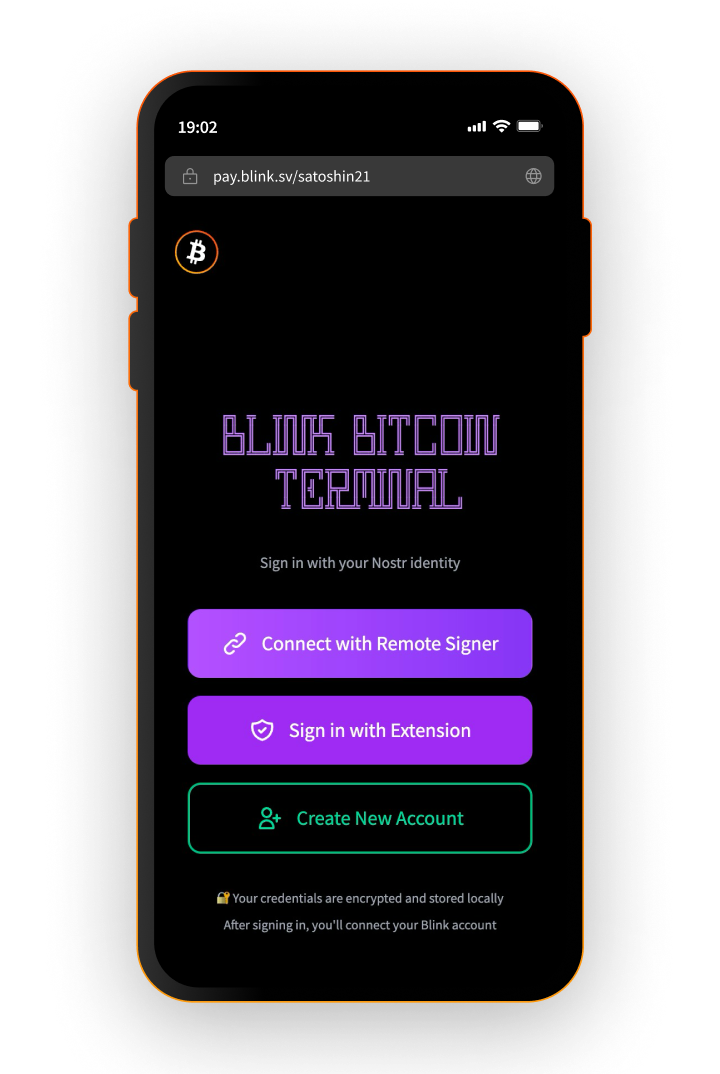
Blink Terminal

A point of sale that runs in any browser. Share a link, open it on any phone, tablet, or laptop, and start collecting Lightning payments into your Blink account. Staff can charge customers without ever touching your funds.

Open Terminal
The cash register, grown up

Background

The Terminal is the successor of the Blink Cash Register, one of our most popular merchant tools. Years of feedback from real shops went into it, and it now works with non-custodial accounts too. Same idea, rebuilt on everything we learned.
A point of sale in a link

Terminal

Enter a Blink username and the Terminal becomes that merchant's point of sale. Anything with a browser works: a phone, a POS device, a laptop.

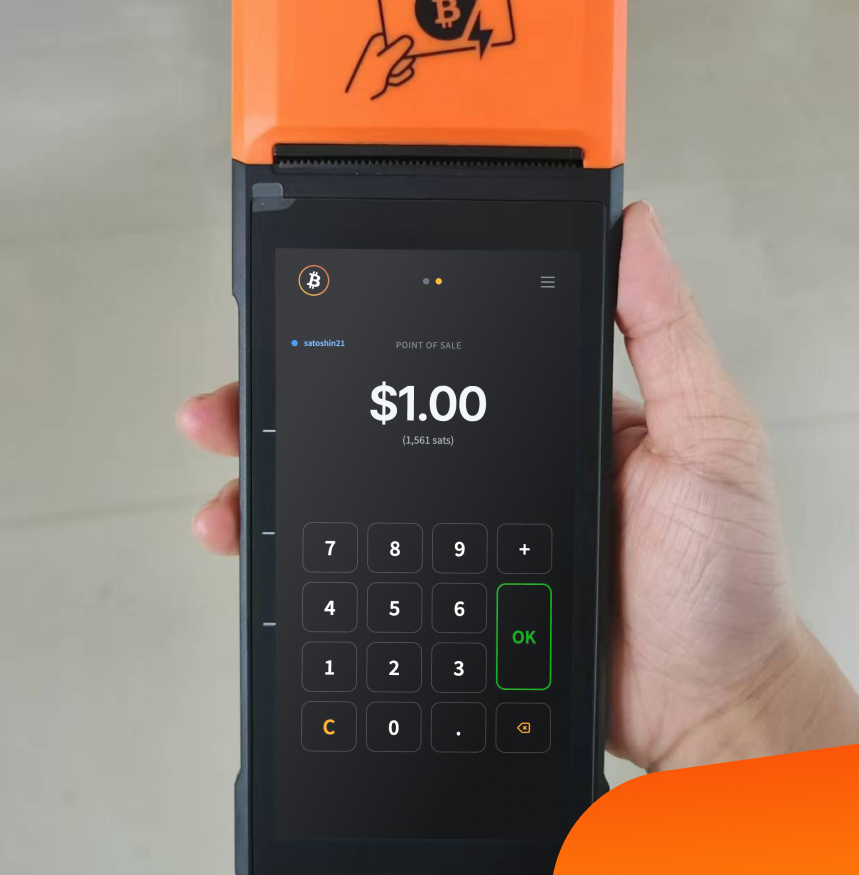
  • Safe to hand to staff: Employees collect payments on the merchant's behalf but have no access to the balance. Nothing to steal, nothing to worry about.
  • Custodial and non-custodial: Works with your Blink account either way.
  • Yours to configure: Light and dark themes, regional decimal formats, and your choice of sats or the Bitcoin symbol on screen.
Designed by cashiers, not designers

Built for the counter

Most point-of-sale apps are designed by people who never worked a register. The Terminal gets the details right: an inverted numpad with 7 8 9 on top, the way real cash registers work, and a plus button to stack up multiple items into a single invoice. No mental math at the counter.
Paper trail included

Receipts

Print receipts on a thermal printer with the merchant name, date, time, amount, and payment hash. Optionally, add a Bitcoin quote or a piece of Bitcoin history to every receipt. A small orange pill, handed out with each purchase.

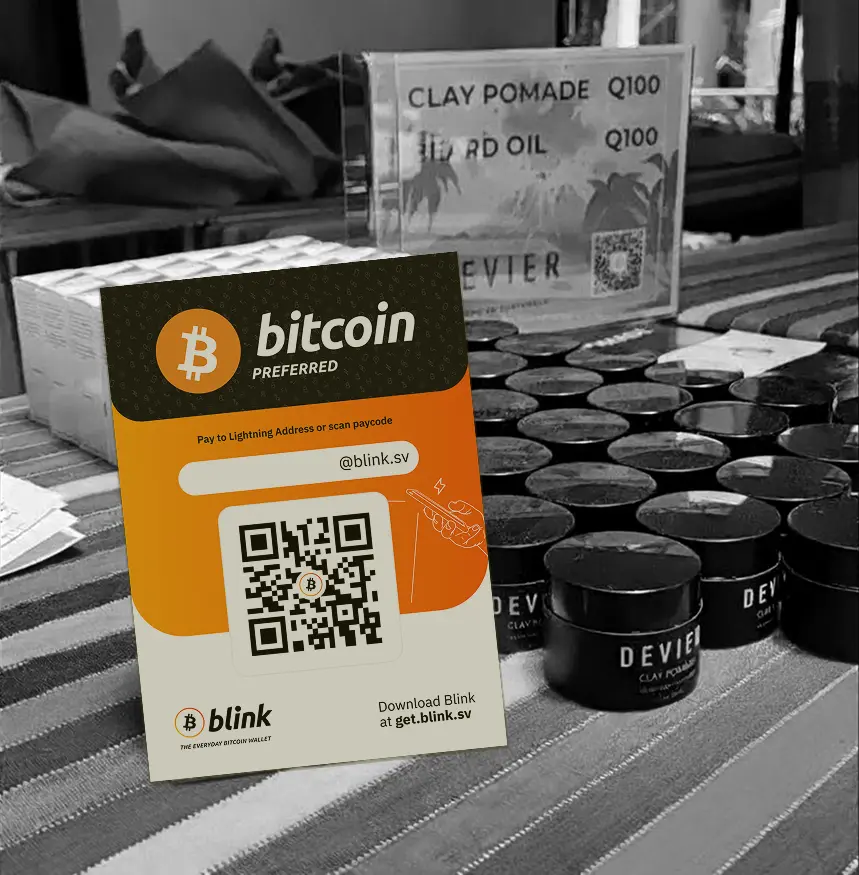
Print it, stick it on the wall

Static pay code

Add /print to your Terminal URL and get a printable QR pay code, the kind merchants around the world tape next to the register. It encodes your Lightning address, and wallets that do not support LNURL fall back to your Terminal page to generate a standard invoice. Every customer can pay, whatever wallet they carry.

Tap to pay

Bolt cards

Customers with a Bolt card can pay with an NFC tap on Android devices. [Native app with iOS tap-to-pay and built-in receipt printing is in the works; confirm how to phrase]

Open and go

How-to

  1. Open: Go to the Terminal in any browser. [link]
  2. Enter your username: Type your Blink username to load your point of sale.
  3. Charge: Enter amounts, stack items with the plus button, and show the QR code. Payments land in your Blink account instantly.

Checkmark list

Bolt cards

Any device: Runs in the browser, nothing to install
Staff-safe: Collect payments without exposing your funds
Cashier-grade: Inverted numpad and item stacking, like a real register
Printable receipts: Thermal printing with an optional orange-pill touch
Static pay code: Printable QR with a fallback for every wallet
Tap to pay: Bolt card support via NFC on Android
For power users

And more coming

The Terminal also has a login area for advanced features. Vouchers, Bolt cards, and batch payments are planned to live there. [confirm what is live vs. planned before publishing]

Download Blink

Start receiving and sending bitcoin now

Community