


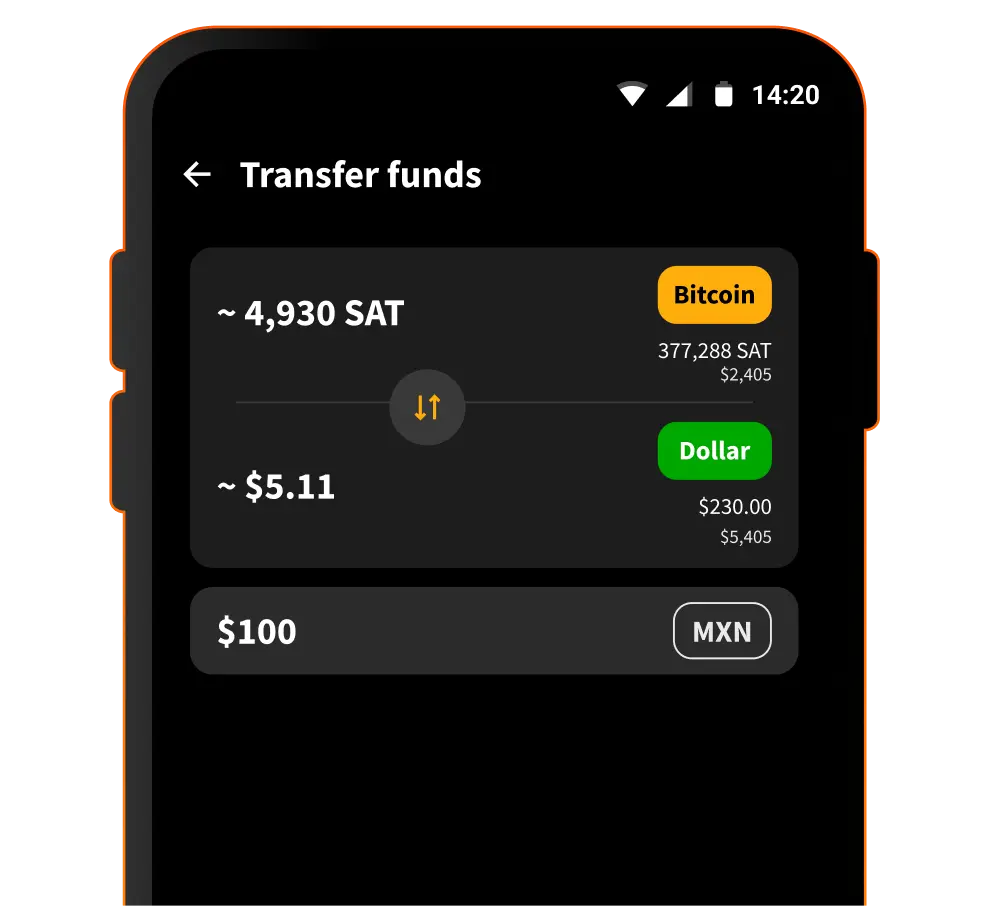


Dollar Balance is Blink’s USD-denominated balance feature. It is designed for people who want to use Blink for everyday payments without taking on bitcoin price volatility.
Dollar Balance works differently depending on your mode. In Custodial Mode, Dollar Balance is powered by Stablesats. In Non-Custodial Mode, Dollar Balance uses supported stablecoins on the non-custodial protocol. In both modes, the user-facing feature name is Dollar Balance.
How to:

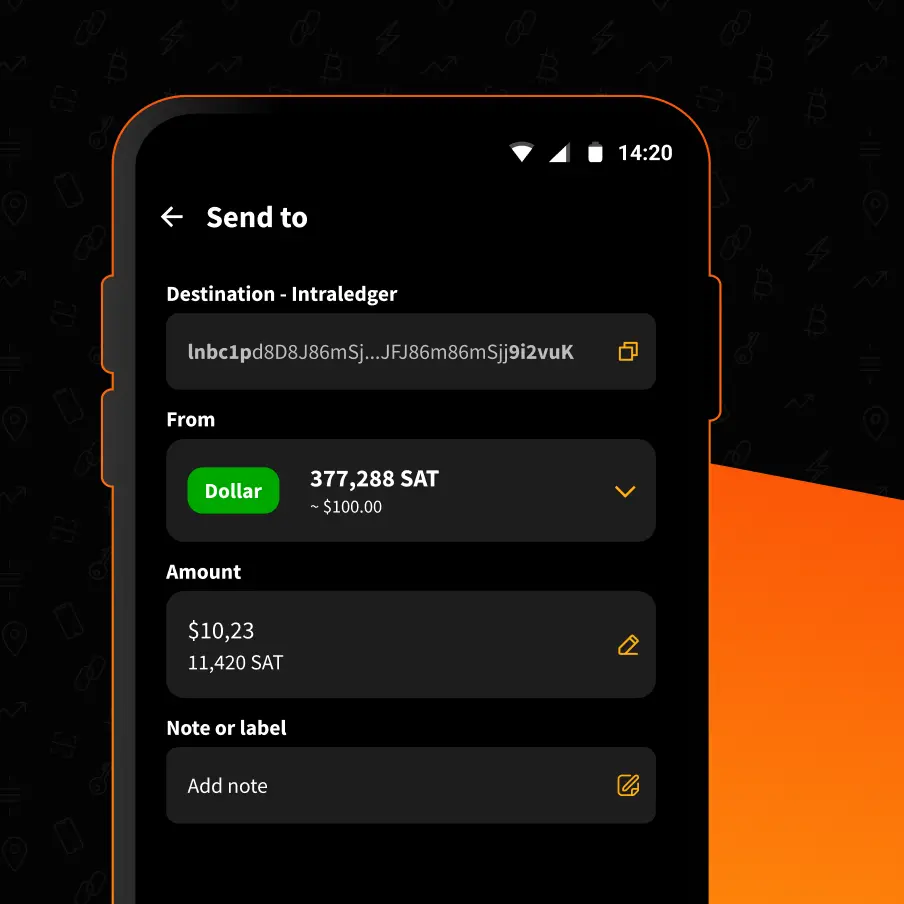
Use Dollar Balance to pay Lightning invoices. To send from Dollar Balance you need to:
1. Tap Send
2. Scan or paste the invoice or address
3. Review and confirm
Dollar Balance helps reduce bitcoin price volatility, but it does not remove all risk. The risks depend on whether you use Custodial Mode or Non-Custodial Mode.
Custodial Mode: Dollar Balance is powered by Stablesats. You rely on Blink's custodial service and the Stablesats mechanism described in the Terms.
Non-Custodial Mode: Dollar Balance uses supported stablecoins on the non-custodial protocol. You are responsible for protecting your backup phrase. Stablecoins, protocols, and network conditions can introduce their own risks.

Dollar Balance has different mechanics depending on your selected mode. Custodial Mode uses Stablesats. Non-Custodial Mode uses supported stablecoins.
Start receiving and sending bitcoin now


