


BLOG |
Blink announcements
In July we forced 100,000 sats out of a Spark wallet with no help from its operators. From 3.0.46, the app keeps the data that made it possible, so you never have to prepare for it.


When we launched self-custodial accounts in June, we made a promise that is easy to say and hard to check: your bitcoin is yours, and if Blink disappeared tomorrow you could carry on without us. Half of that is cryptography. You hold the 12 words, we don’t, and nobody at Blink can move your funds. The other half we had only read about. Self-custodial wallets run on Spark, a network that keeps your bitcoin off the main chain so payments are instant and almost free. A group of operators co-signs every payment you make. Spark is designed so that you can pull your bitcoin back onto the Bitcoin chain without those operators, if they ever vanish. The app couldn’t do it, and we said so in the launch post.
In July we stopped reading about it. We took a real Blink wallet holding 100,000 sats, pretended Spark had vanished, and forced every sat we could back onto mainnet using nothing but the 12 words, a file saved beforehand, and tools we wrote and published. It worked, and the write-up includes everything that went wrong. About 90% of the money came out the other end.
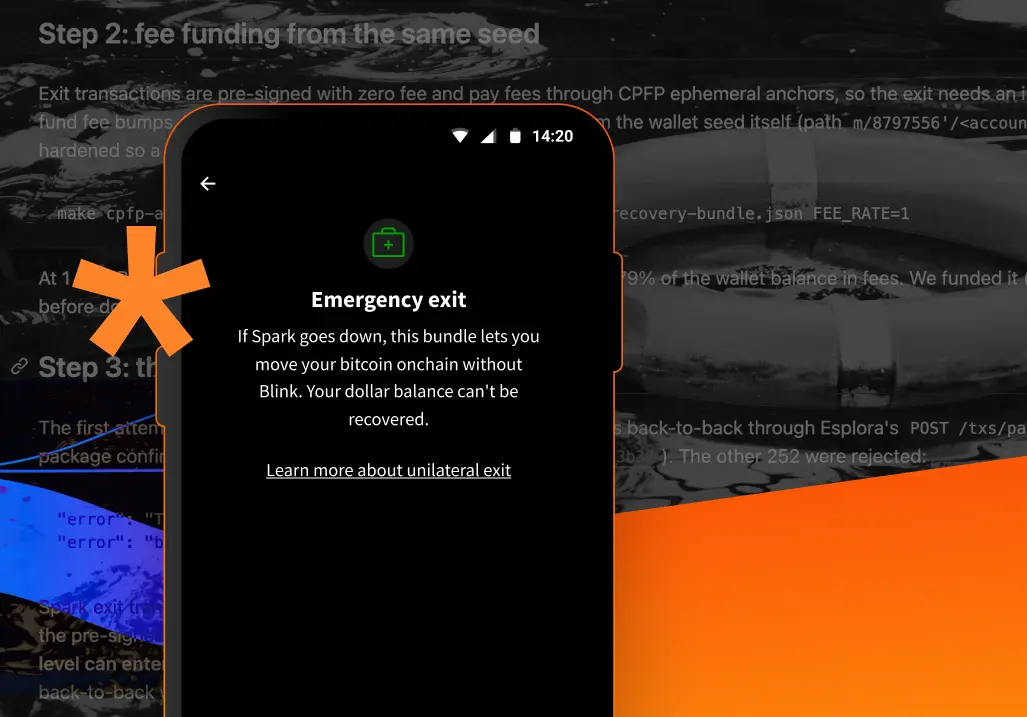
The lesson wasn’t about keys. It was about that file. Once the operators are gone, your 12 words alone are not enough to get your bitcoin back. You also need a snapshot of where it sits, made while the operators were still online. We call it the “emergency bundle”. From 3.0.46 the app creates it, refreshes it after every payment, and keeps it next to your cloud backup. This post explains what it is, what it isn’t, and the one thing you should do: keep a copy somewhere other than your phone. If you only want the steps, skip to Keep it ready.
An exit is not quick: funds you received recently wait about 2,000 blocks, roughly two weeks, before they’re yours on the chain. It is not free: every part of your balance you move out pays its own on-chain fee, and in July fees plus amounts too small to move came to about 18,700 sats of the 100,000. It does not cover your Dollar Balance. And it is not yet a button in the app: you run it with the bundle, your 12 words, and our open-source tooling. A fire escape, not a door.
Spark splits your balance into parts it calls “leaves”, a bit like the notes and coins in a physical wallet: your balance is the sum of them, and each one moves on its own. Every leaf comes with its own chain of pre-signed transactions that can put it back on the Bitcoin chain after a waiting period, with no operator’s signature. The emergency bundle is a snapshot of your leaves and of the transactions above them in Spark’s shared tree. It is exit data, not keys. By itself it can’t spend anything. Your 12 words stay the only secret.
Created after your first transaction. An empty wallet has nothing to exit, so the bundle appears once you’ve received funds. Until then the Emergency exit screen says No emergency bundle yet. It’s created after your first transaction.
Refreshed after every payment. Every send or receive changes your leaves, so the app updates the bundle in the background. An old bundle covers the balance you had when it was made, not what has come in since. That is the mistake we nearly made in July, and the reason the app does this itself instead of relying on you to remember.
Kept with your cloud backup. If you back up your 12 words to Google Drive or Apple iCloud, the bundle goes to the same drive, encrypted, and stays up to date. When the cloud copy is more than a week behind the one on your phone, Home shows Update your cloud backup with a Back up again button. We may change that interval.
Without a cloud backup. If you back up your 12 words to a password manager or on paper, the bundle lives only in the app on your phone. It stays fresh there, but it goes with the phone. A copy you download by hand is a snapshot: it covers what you held when you downloaded it, not what you’ve received since. Download it again after large payments, and keep each copy somewhere other than the phone. The steps are under By hand.
Private, but not secret. The file shows your balance and your payment history. Anyone who reads it learns what you hold; nobody can spend it without your 12 words. Keep it where you keep bank statements.
Every self-custodial wallet, whether you chose Enhanced mode (we get your region, so more features work) or Incognito mode (we get nothing). Custodial accounts, where we hold the funds, have no bundle, because there’s nothing to exit from.
The app looks after the bundle. Your job is to make sure a copy survives losing your phone. A cloud backup does that for you. If you’d rather not use a cloud, download it by hand.
A password-manager or pen-and-paper backup saves your 12 words only. If that’s how you back up, download the bundle by hand.
You’ll know, because the app can’t reach Spark. On restore, it shows Operator unreachable and offers Try again later or Support. Wait a few minutes; most outages are short. If Spark stays down, run the exit with the open-source tooling: the July write-up walks through a full run command by command. It needs your bundle and your 12 words, and nothing from us. Never share your 12 words with anyone, including us. If you’d like a hand anyway, write to support@blink.sv.
You get a new phone. Restore from your 12 words or your cloud backup as usual. While Spark is online, the app makes a new bundle as soon as the restored wallet is ready. If you keep a copy you downloaded yourself, download a fresh one on the new phone.
You lose the phone and have no backup. The wallet is gone, bundle or not. The bundle adds to your 12 words; it never replaces them. If you haven’t backed them up, do it today. If you take one action from this post, make it that one.
You have the 12 words but no bundle. Fine while Spark is online: restore the wallet and the app makes a new bundle. The bundle only matters if Spark is offline at the moment you need to leave.
Your cloud copy is out of date. You’ll see it on Home. Tap Back up again.
You hold a Dollar Balance. A Dollar Balance is dollars held on Spark as a token, and the exit doesn’t cover it: moving those dollars needs the operators. Money you can’t afford to wait for belongs in your Bitcoin Balance.
You’d rather not have this. There’s nothing to switch off. The bundle is a file on your phone, and we never receive it.
“Non-custodial” is an easy word to put in marketing copy. We used it in June, and we meant it, but the honest position then was that the exit existed on paper. Every leaf in Spark comes with pre-signed transactions that can put it on the chain after a waiting period, with no operator’s signature. Nobody at Blink had ever run them.
So in July we did, and wrote down everything that went wrong. We took a real Blink wallet holding 100,000 sats, treated Spark as unreachable, and ran the exit against mainnet with tooling we wrote for the job and put on GitHub. The first lesson arrived before a single transaction was broadcast: the file we had saved was missing the top of the tree, so every exit chain had a gap in it, and we had to fix the tool that makes the file before anything could start. The second lesson was arithmetic. Of the wallet’s 22 leaves, only four were worth exiting; the other 18 were crumbs from everyday use, some as small as a single sat, and each would have cost thousands of sats in fees to move. Exiting everything would have burned about 79% of the balance. Exiting only what made sense brought about 90% of it back. The third lesson was patience. Bitcoin’s rules for chains of linked transactions mean each level has to confirm before the next can be sent, so broadcasting took hours, and then every leaf waited out a timelock measured in weeks.
The thing that decided whether the exit could happen at all was the file. A complete, recent bundle is the whole game, and it can only be made while the operators are online. Recovering from the 12 words alone stops working the moment they’re gone, and a bundle saved last month doesn’t cover last week’s payments. A reminder to download a file every so often is not a plan. That is a job for software: an app that refreshes the bundle after every payment and keeps it next to your cloud backup. From 3.0.46, that’s what the app does.
What we haven’t shipped is the exit itself inside the app. We haven’t had time to build it yet, and we hope to add it in a later release. Until then, the tooling is public and the July write-up walks through a full run command by command. You don’t need us for any of it.
Do I have to do anything?
If you back up to Google Drive or Apple iCloud, no. Otherwise download the bundle from Settings → Security and Privacy → Emergency exit now and then.
Does Blink get a copy of my bundle?
No. It’s on your phone and in your own cloud drive.
Can someone with my bundle take my bitcoin?
No. Spending needs your 12 words. The bundle does show your balance and history, so keep it private.
How long does an exit take?
Recently received funds wait about 2,000 blocks, around two weeks. In July the broadcasting took hours and the waiting took weeks.
What does it cost?
On-chain fees for every leaf you exit. Small leaves can cost more than they hold, and the tooling skips those. In July it came to about 18,700 sats of 100,000, at 1 sat per vbyte.
Is my Dollar Balance covered?
No. Dollars on Spark need the operators to move.
My bundle is “out of date”. Is my money at risk?
No. The copy in your cloud is behind the one on your phone. Tap Back up again.
I’m in Incognito mode. Do I get a bundle?
Yes. It needs no region and no account.
Will Blink ask for my bundle or my 12 words?
Never. If anyone does, it isn’t us.
Get the update on the App Store or Google Play. Questions? Write to support@blink.sv.
Start receiving and sending bitcoin now


