BLOG |
How-tos
No Lightning node, no API key, no custodian holding your funds: connect your non-custodial Blink Lightning address straight to BTCPay Server
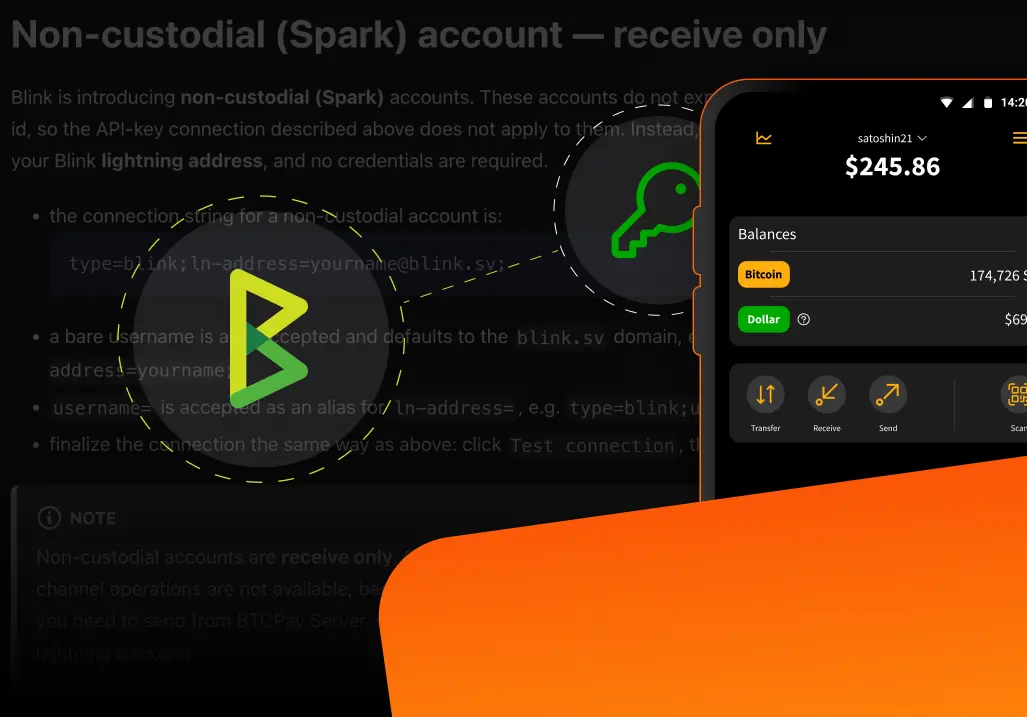


No Lightning node, no API key, no custodian holding your funds: connect your non-custodial Blink Lightning address straight to BTCPay Server and start accepting Bitcoin in minutes, full details live on the dedicated BTCPay x Blink page.
Fair warning: this update is receive-only. If your business relies on BTCPay's Pull Payments feature, paying money back out to customers, refunds, payouts, and similar flows, connecting a non-custodial Blink account doesn't cover that yet. We'd rather say that upfront than have you discover it mid-setup.
The Blink plugin for BTCPay Server isn't new. It was built by community developer Kukks through a bounty, announced here when it first shipped, and it's been in production ever since. At Bitcoin Atlantis in Madeira, it powered 8,750 transactions totaling 2.029416 BTC ($115,100) across just three days, streamlining payments for 18 merchants running 60 POS devices. This is a battle-tested plugin, not a beta.
What's new in version 1.1.0 is who it works for. Until now, connecting Blink to BTCPay Server meant generating an API key from a custodial Blink account. That still works, and it's still how custodial accounts connect. But if you're on one of Blink's non-custodial, Spark-based accounts, you can now skip the API key entirely and connect with nothing more than your Blink Lightning address, receive-only, on mainnet, with settlement confirmed automatically.
"No node. No API key. Just your Blink lightning address." — Kemal (@_pretyflaco), demoing the update
Kemal walked through the whole setup in a five-minute video, connecting a non-custodial account, generating a 210 sat invoice from a BTCPay point-of-sale demo, and paying it live to confirm it actually settles.
BTCPay Server exists to remove the biggest barrier to accepting Lightning payments directly: running your own Lightning node. We built the Blink plugin to remove that barrier for any merchant, letting payments land straight in a Blink Wallet instead of a self-managed node. What it couldn't previously offer was a way to do that without also handing Blink custody of the funds, the same principle behind why keys matter in the first place. This update closes that gap.
Everything that made the plugin worth using in the first place is still true either way you connect:
Now there's one more benefit sitting alongside those: you can get all of it without giving up control of your funds.
That's the entire setup. From there, invoices generated through your BTCPay store, whether through the point-of-sale keypad, an e-commerce checkout, or any other BTCPay integration, settle straight into your Blink Wallet. One thing worth knowing: non-custodial accounts don't have a websocket connection, so the plugin checks for settlement by polling instead. A payment typically shows up in BTCPay Server within a few seconds, occasionally up to about a minute, so don't assume something failed if it doesn't appear instantly. Non-custodial support is also mainnet-only for now, blink.sv specifically.
The plugin can also be integrated directly into your own apps or websites through the Blink API rather than through BTCPay Server's built-in checkout. Let's Fly LLC did exactly that, worth a read if you're building something custom rather than using BTCPay's standard store setup.
Do I need a Lightning node to use this?
No. That's the entire premise of the Blink plugin, custodial or non-custodial. Blink handles the Lightning connectivity, you just connect your account.
Do I need an API key for a non-custodial account?
No. API keys are only required for custodial accounts. Non-custodial (Spark) accounts connect with just a Lightning address.
What versions do I need?
Blink Plugin v1.1.0 or later, and BTCPay Server v2.4.2 or later.
Can I receive to my Dollar Account with a non-custodial connection?
Not yet. Non-custodial accounts currently receive to Bitcoin only.
Does this work on testnet?
No, non-custodial support is mainnet-only for now, blink.sv specifically.
Does this support Pull Payments or paying customers out?
Not yet. The non-custodial connection is receive-only. Paying out, refunds, and similar flows aren't part of this update.
Is this plugin actually used in production, or is it experimental?
It's in production today, and has been for a while. It powered real transaction volume at Bitcoin Atlantis in Madeira well before this non-custodial update shipped, and Let's Fly LLC has built on it directly through the Blink API.
That's the whole update: the same battle-tested plugin, the same "connect your account and skip the node" simplicity, now available without handing anyone else the keys.
If you get stuck setting it up, or you're building on top of the plugin yourself, the BTCPay Server community on Telegram and the developer chat on Mattermost are both active and worth a look before you assume something's broken.
Get started: blink.sv/btcpay-blink-plugin
Start receiving and sending bitcoin now